How to use Precision Boost Overdrive and Curve Optimizer to improve Ryzen CPU performance
⚡ Quick Hits
- Maximize performance by enabling Precision Boost Overdrive (PBO) for higher sustained clock speeds.
- Utilize the Curve Optimizer to undervolt your processor, simultaneously lowering temperatures and boosting efficiency.
- Squeeze every drop of value and raw power out of high-end silicon like the Ryzen 7 9850X3D without spending an extra dime.
Greetings, tech enthusiasts. The Tech Monk here.
If you've recently invested in a top-tier processor like the AMD Ryzen 7 9850X3D, you are already holding the keys to a magnificent gaming and productivity experience. But true hardware enlightenment comes from squeezing every ounce of value out of your silicon—and you don't need to be an extreme overclocker to do it.
By leveraging AMD's Precision Boost Overdrive (PBO) and Curve Optimizer, you can safely push your CPU beyond its factory limits. PBO essentially tells your motherboard to deliver more power to the processor when thermal headroom permits, unlocking higher, sustained clock speeds during heavy workloads.
However, the real magic happens when you pair PBO with the Curve Optimizer. This tool allows you to intelligently undervolt your processor across its voltage-frequency curve. By feeding the CPU slightly less voltage, it generates less heat. Because Ryzen processors boost higher when temperatures are lower, this undervolting technique ironically results in better performance and longer boost durations.
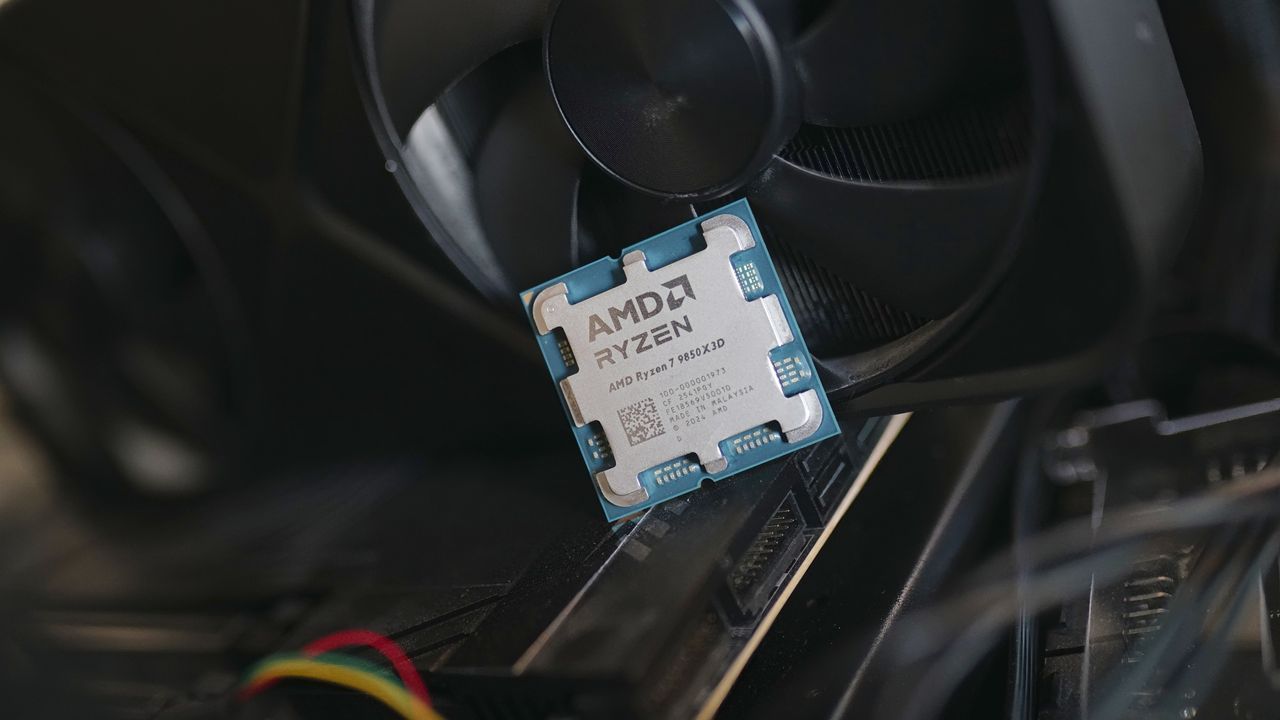
Whether your Ryzen 7 9850X3D is currently leaning against a brand-new graphics card on your workbench or is already seated in its socket, taking the time to tune these two settings will help you find the perfect zen balance between thermal efficiency and raw framerates. Stay tuned, and stay optimized!