Admins finally get the power to uninstall Microsoft Copilot on Windows 11 Pro, Enterprise, and EDU versions — devices must meet specific conditions to allow the removal of the AI app
💡
Verdict: Microsoft now lets administrators uninstall the Copilot app on managed Windows 11 Pro, Enterprise, and EDU versions, provided specific conditions are met, including having Microsoft 365 Copilot installed.
⚡ Quick Hits
- Administrators can now uninstall Microsoft Copilot on certain Windows 11 versions.
- This capability is limited to managed versions like Pro, Enterprise, and EDU.
- Specific conditions, such as having Microsoft 365 Copilot installed, must be met.
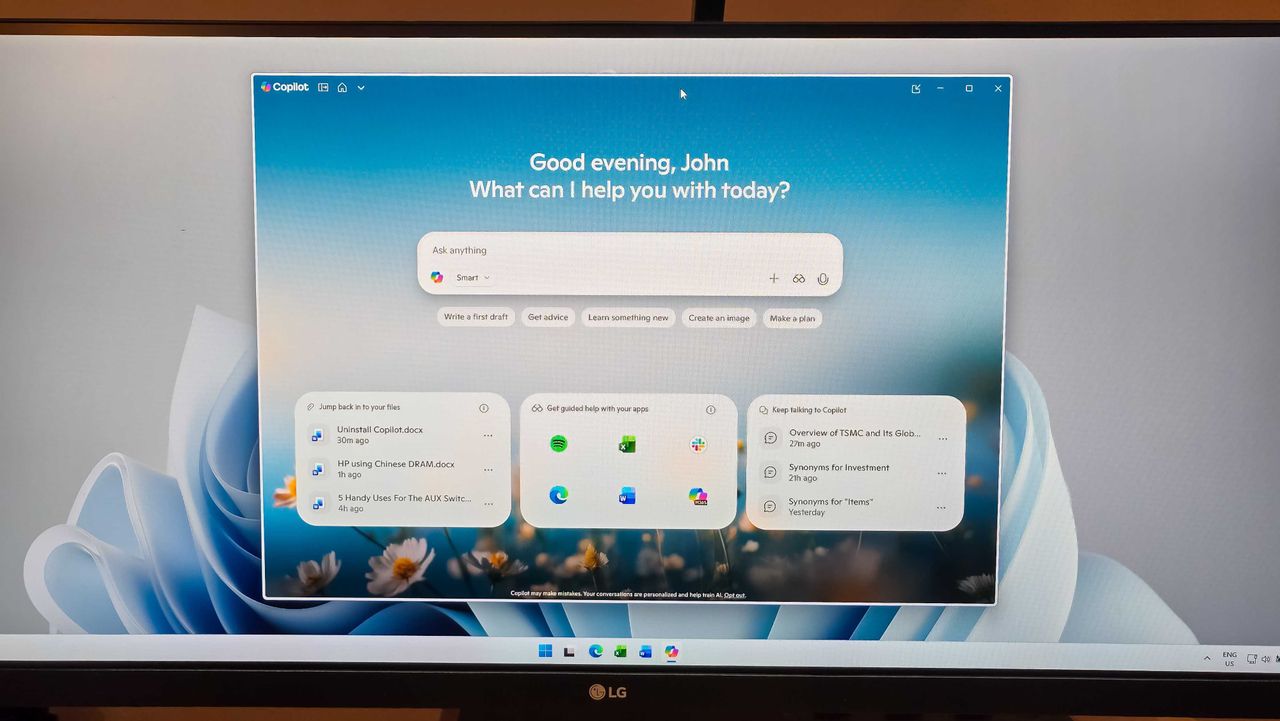
Microsoft has announced a significant update for administrators managing Windows 11 environments. They can now uninstall the Microsoft Copilot app from managed devices running Windows 11 Pro, Enterprise, and EDU editions.
This change provides greater control over the software environment within organizations. However, the uninstallation process isn't universally available. Several conditions must be met before administrators can remove Copilot. One key requirement is the installation of Microsoft 365 Copilot.
This update reflects Microsoft's continued responsiveness to administrator feedback, offering increased flexibility in managing the integration of AI-powered tools within their Windows 11 deployments.
*Source Intel: Read Original*