Why building a quiet PC is harder than you think — what to know, and how to make your rig quieter
⚡ Quick Hits
- Achieving near-silent operation requires a holistic approach, not just a single component upgrade.
- Your choice of case, airflow layout, and AIO liquid coolers play a massive role in acoustic output.
- Managing pump noise and fan curves is the secret to a genuinely quiet rig.
The Pursuit of Silence: Why Building a Quiet PC is Harder Than You Think
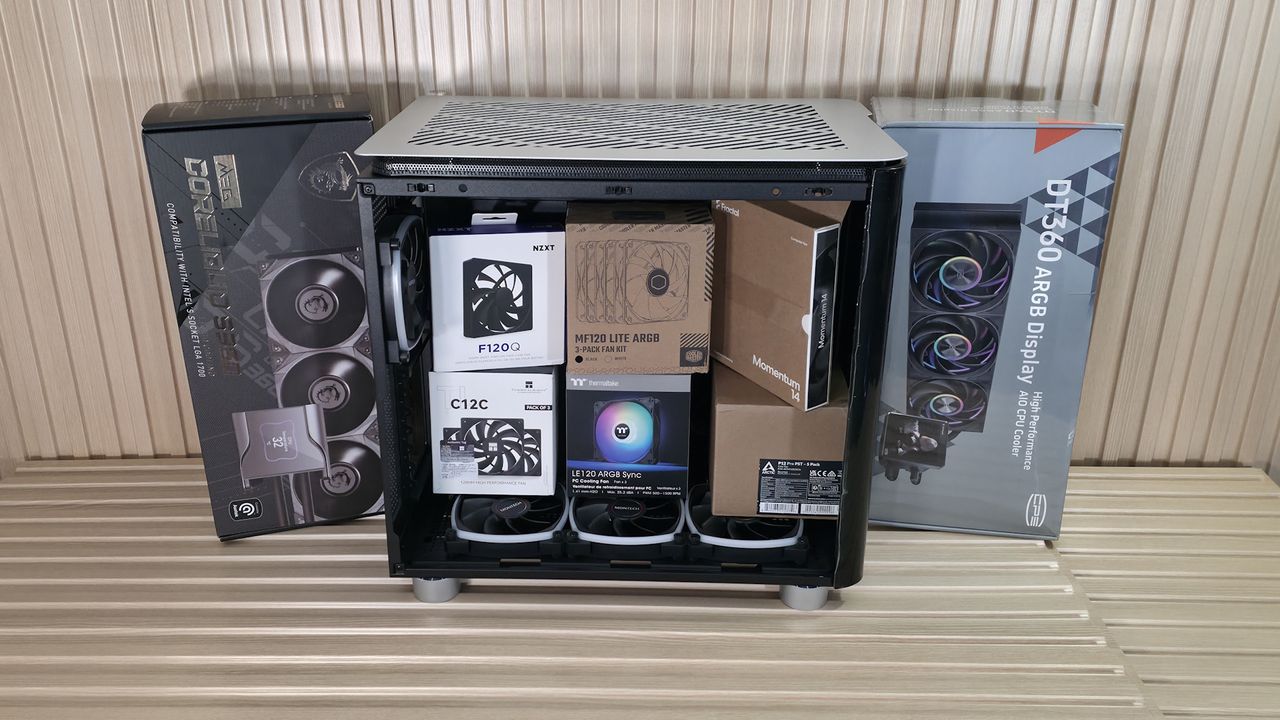
Greetings from The Tech Monk! If you've ever set your case, fans, and an AIO cooler on your desk and thought, "I'm going to build the most silent rig ever," you might be in for a rude awakening. While nabbing a good deal on premium fans is a great start, building a truly quiet PC is an art form that requires careful planning.
The Acoustic Illusion
Many builders assume that slapping a few high-end, low-RPM fans into a chassis will instantly result in a whisper-quiet machine. Unfortunately, acoustic dynamics are much trickier. The material of your case, the restriction of the front panel, and the resonance of your desk all contribute to the overall noise floor.
The AIO Dilemma
Take All-In-One (AIO) liquid coolers, for example. While they are fantastic at dissipating heat, they introduce a new variable: pump whine. Unlike the smooth hum of a case fan, the high-pitched mechanical whir of an AIO pump can pierce right through your concentration.
How to Actually Make It Quieter
To achieve PC nirvana, you need to look at the big picture:
- Choose an Airflow-Optimized Case: A case with a mesh front panel allows fans to spin at lower RPMs while pulling in the same amount of air.
- Tune Your Curves: Dive into your BIOS or software and set custom fan and pump curves. Don't let your AIO ramp up just because you opened a web browser.
- Isolate Vibrations: Use rubber mounting pads for your fans and ensure your case feet have adequate dampening.
Stay quiet and stay cool. Until the next build, your Tech Monk is signing off!