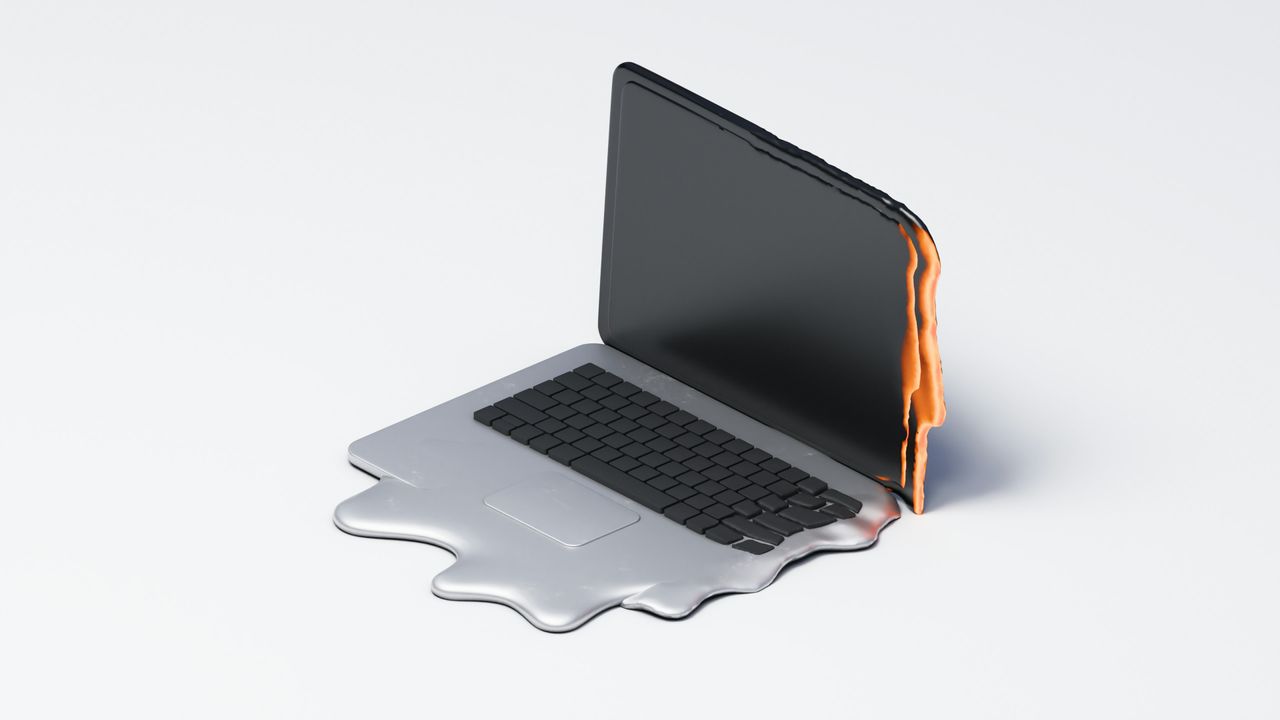
Gaming laptop brought to repair shop for overheating problem, decorative stickers found to be the problem — tech fixes problem in under 10 seconds after removing the stickers covering its fans
⚡ Quick Hits
- Decorative stickers placed carelessly over ventilation grilles will cause critical overheating.
- A repair technician fixed the supposedly failing hardware in less than 10 seconds simply by peeling off the decals.
- Unrestricted airflow is the most critical factor in maintaining your laptop's performance and longevity.
Don't Suffocate Your Rig: The Costly Sticker Mistake
Welcome back, tech disciples. The Tech Monk here with a gentle reminder that sometimes the biggest threats to our precious hardware aren't malware, dying batteries, or faulty silicon—they are our own aesthetic choices.
Recently, a seemingly doomed gaming laptop was brought into a repair shop. The machine was suffering from severe, system-melting overheating issues. The owner likely feared the worst: a dead GPU, dried-out thermal paste, or busted cooling fans. But the real culprit was entirely self-inflicted and easily preventable.
The 10-Second Fix
The repair technician diagnosed and resolved the terrifying temperature spikes in under 10 seconds. The problem? Decorative stickers.
The user had customized their laptop by plastering decals all over the chassis, inadvertently sealing off the intake and exhaust vents. With absolutely zero airflow, the high-performance internals were essentially baking themselves alive inside the chassis. As soon as the technician peeled the stickers off the ventilation grilles, the laptop could breathe again, and the operating temperatures immediately returned to normal.
The Tech Monk's Wisdom
Customizing your gear is a great way to make it your own, but you must respect the engineering behind it. High-end gaming laptops generate a massive amount of heat, and those vents are strategically placed to keep your processor and graphics card from throttling—or worse.
Before you slap on that next vinyl decal, take a moment to identify your device's airflow pathways. Keep your vents clear, your fans clean, and your thermals low. A cool laptop is a happy laptop. Stay cool, friends.